


logo
LoginOpen Account

Login for real-time prices and trading.

Login
HomeOptions Movers

Options Mover

No data available

About Options Movers

What You Can See Here Without Logging In?

All 7 tabs, including Most Active (OI), Most Active (Volume), OI Gainers, OI Losers, IV Gainers, IV Losers, and Premium Movers, are fully accessible without logging in with an Options Trader account. Here is what each tab displays without logging in:

  • Contract Name, LTP, Change%, OI, OI Change%, IV, and Volume for every listed contract.
  • Data across indices, F&O stocks, and commodities on a 15-minute delay.
  • The Expiry filter to narrow results to a specific expiry date.
  • The Show filter to isolate indices, F&O stocks, or commodities separately.

Most Active (OI) loads by default. The same 15-minute delayed data applies across all tabs and filters in the pre-login view. Adding a contract to a basket or watchlist, and placing trades, requires login.

What Each Tab Shows?

Options Movers on Options Trader displays 7 different tabs, each of which shows unique metrics like:

Most Active (OI) - Contracts With the Highest Open Interest

Ranks option contracts by open interest, helping you identify where the largest number of outstanding positions is concentrated.

Most Active (Volume) - Contracts With the Highest Traded Volume

Ranks contracts by traded volume and shows where the most contracts have changed hands during the session.

OI Gainers and OI Losers - Contracts With the Sharpest OI Increase or Decrease

Filters contracts based on the largest percentage surge (Gainers) or decline (Losers) in open positions, indicating fresh position buildup or aggressive position unwinding.

IV Gainers and IV Losers - Contracts With the Sharpest Implied Volatility Move

IV Gainers highlight contracts with the highest rise in implied volatility. IV Losers show contracts where implied volatility has declined the most.

Premium Movers - Contracts With the Sharpest LTP Change

Ranks contracts by the percentage change in their last traded price, helping you identify options whose premiums are moving sharply in the current session.

Reading the Columns

Each tab has a similar layout of columns. Each column indicates the following and is used for ranking within the respective tabs:

  • LTP (Last Traded Price): The price the contract last traded at. The Premium Movers tab ranks by percentage change in this value and highlights the most aggressively moving premiums in the current session.
  • Change%: The percentage difference in LTP from the previous session close. This is the ranking metric for the Premium Movers tab.
  • OI (Open Interest): The total number of open contracts that are not yet closed. The Most Active (OI) tab ranks contracts based on this.
  • OI Change%: The difference between the current open interest and the previous session open interest, in percentage terms. This is the ranking metric for OI Gainers and OI Losers, separating fresh position building from that of existing position closure.
  • IV (Implied Volatility): A metric reflecting the market's expectation of future price swings, expressed as a percentage. This ranking metric applies to IV Gainers and IV Losers.
  • Volume: The total number of contracts traded within the current session. This is the ranking metric for Most Active (Volume).

How to Use the Table Controls?

The table controls on Options Movers can be used for the following purposes:

Switching Between Tabs and Expiry

Clicking any tab header reloads the table according to that tab's metric. The expiry filter narrows results to a single expiry date, thus allowing separation of near-week activity from far-month positioning. Switching tabs retains the active expiry selection so that the same expiry can be compared across all seven metrics.

Filtering by Underlying, Segment or Show

Use the available filters to narrow the results by underlying assets like indices, F&O stocks, or commodities. The Show filter helps you focus on a specific market segment rather than scanning the entire options universe. Combined with the Expiry filter, which remains unchanged when switching between tabs, it allows a focused view without requiring you to reset selections on every tab change.

What Unlocks After Login?

Logging in with your Options Trader account activates complete trading execution and live data capabilities:

  • Real-time data: Upgrades delayed feeds to real-time market data across all tabs.
  • Add to basket: Any contract in the table can be added directly to the basket without navigating to a separate screen.
  • Add to watchlist: Contracts can be saved to a watchlist directly from the table.
  • Execute All: Places trades directly from the Options Movers, thus eliminating the need to switch platforms or re-enter contract details at the order stage.

Key Terms to Know

Here are a few terms which traders should know to analyse Options Movers data efficiently:

  • LTP: It is the last traded price, i.e the price at which the most recent transaction in that contract was executed.
  • OI: Open Interest, i.e the total number of contracts currently outstanding and not yet settled.
  • OI Change%: The percentage increase or decrease in open interest compared to the previous session's close, thus indicating whether positions are being built or exited.
  • Implied Volatility (IV): The market's expectation of future price movement, expressed as a percentage. Higher IV means more expensive option premiums.
  • Premium: The current market price you pay to buy an option or collect when you sell an option.
  • Expiry: The specific date on which the option contract expires and becomes invalid for trading.

Why Track Options Movers on Options Trader?

Traders track Options Movers on Options Trader due to the following reasons:

  • Options Movers consolidates every active contract across indices, F&O stocks, and commodities into a single page, thus reducing the need to manually scan multiple option chains.
  • It is built on Dhan's DEXT execution engine, which offers lightning-fast order execution and reflects real-time data with low latency.
  • Offers Options Buildup and the Straddle Chart as companion tools for deeper reading of the same contracts.

Things to Know Before You Trade Options Movers

Here's what you should know before trading Options Movers:

  • Not direct recommendations: A contract topping the OI or IV gainers list indicates high market activity, not a guaranteed buy or sell signal.
  • The IV crush: Higher IV generally means that the premium is pricing in greater expected movement, which can also make the options expensive. Buying options with exceptionally high IV carries a massive risk, as the premium can rapidly collapse once the underlying event (like earnings or RBI policy) passes.
  • Rapid reversals: A sharp OI move can reverse once the driving momentum slows. Therefore, always have a defined risk management strategy and exit plan before trading volatile options.
  • Risk of loss: Buyers of options can lose their entire premium paid, while sellers of options face theoretically unlimited risk.

Thus, use Options Movers as a starting point for screening, not as a standalone trade signal.

Frequently Asked Questions

Most Active by OI ranks contracts by the total number of outstanding positions. Most Active by Volume ranks them by the number of contracts traded during the session.

Built for Serious
Option Traders of India

logo

4.5

logo

4.0

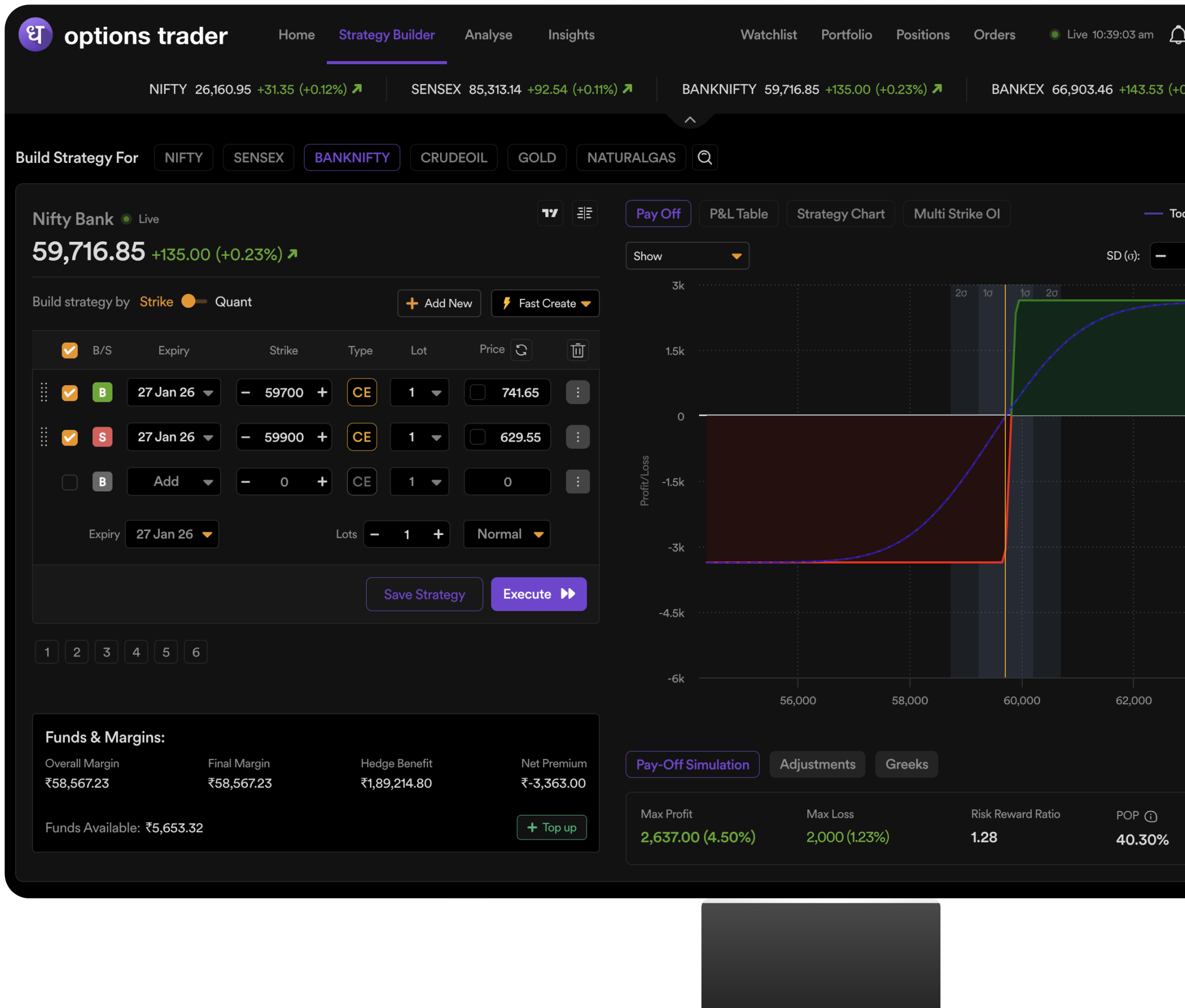
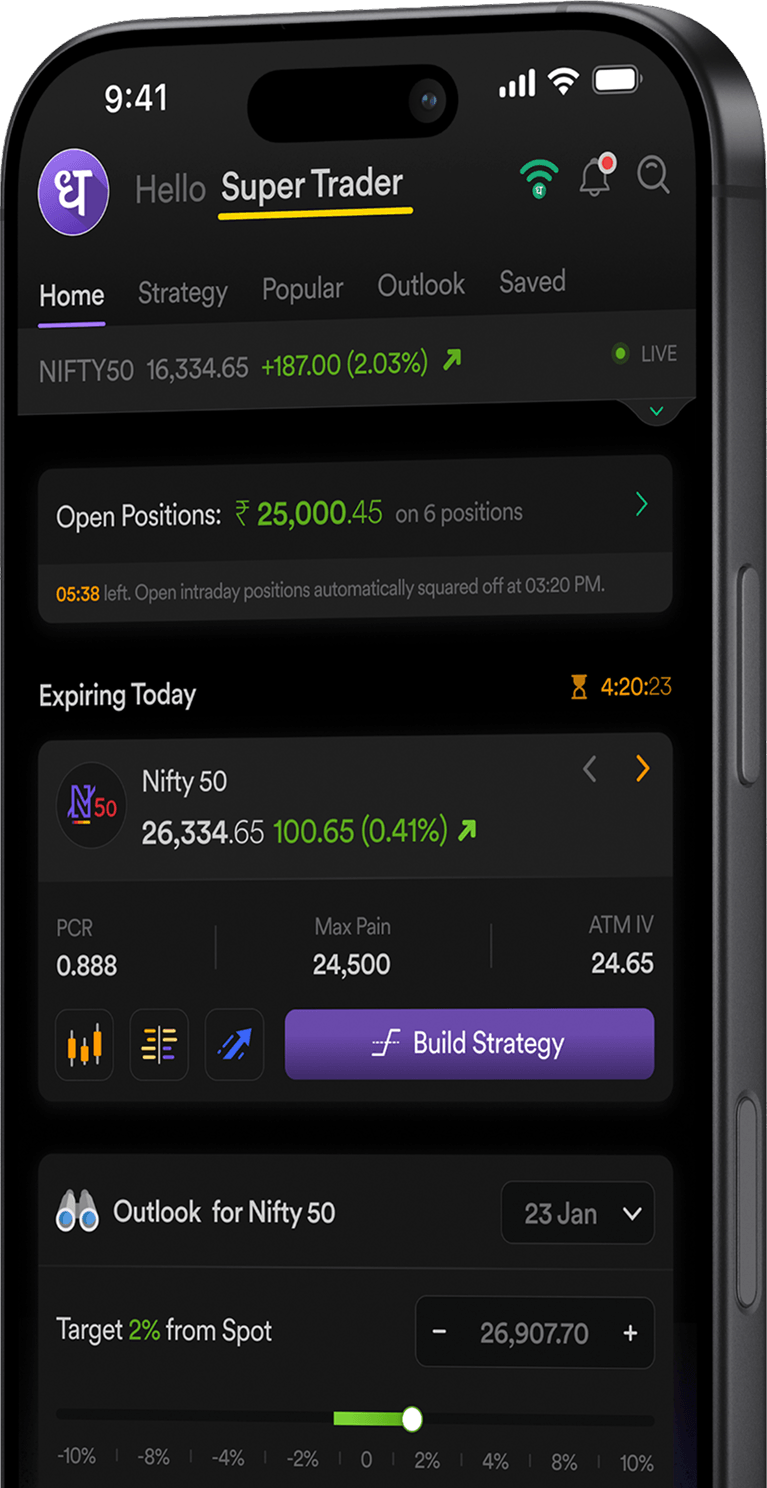
Options Trader Platform Interface
